Make and edit videos on Android
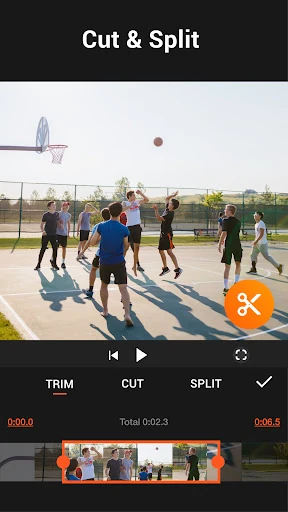
YouCut is a mobile video editor for people who want to trim clips, arrange footage and add finishing touches before sharing a video. It suits casual creators making short social posts as well as anyone who wants more control over edits from a phone. The app is listed in Video Players & Editors and is published by InShot Video Editor.
Tools for shaping a video
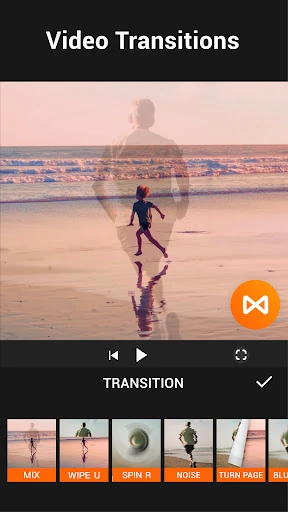
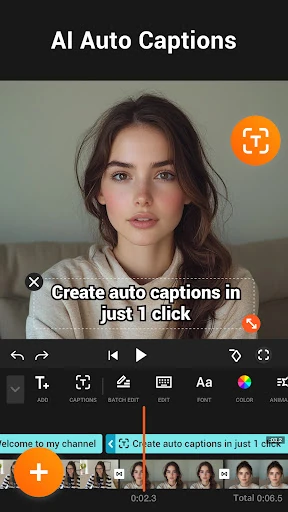
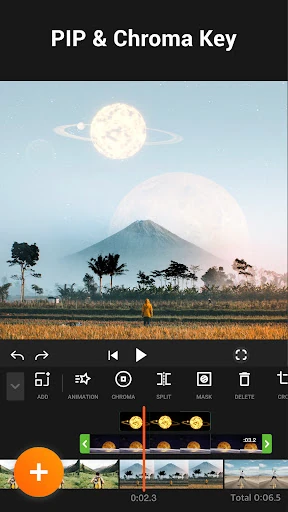
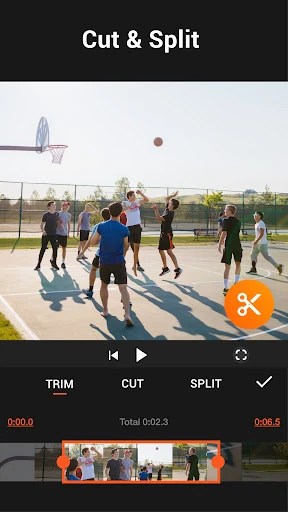
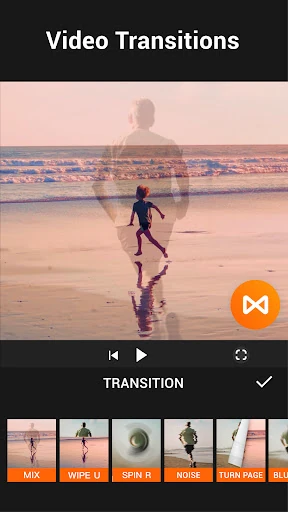
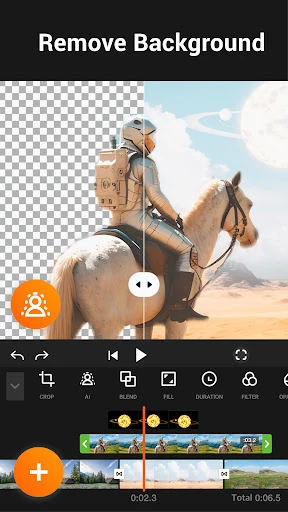
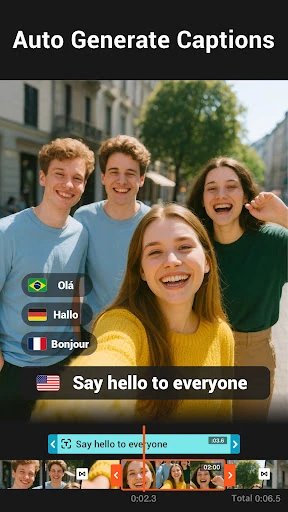
Alongside basic trimming and editing, YouCut includes a multi-layer timeline for combining visual elements, chroma key for green-screen effects, and tools for adjusting colour and adding effects. Auto captions can turn speech into text, while video compression and conversion options help prepare files for storage or sharing. Export options include 4K output and adjustable frame rates, according to the app’s listed feature set.
Who may find it useful
The range of tools makes YouCut a practical choice for editing on a phone without moving a project to desktop software. Beginners can start with straightforward clip edits, while more experienced users can work with layered compositions and green-screen footage. Its export and compression tools are also relevant if you need to balance video quality against file size.
- For quick edits: Trim and assemble clips for a finished video.
- For more involved projects: Use layers, effects, colour adjustments and chroma key.
- For sharing: Add captions or adjust export settings to suit the intended output.
Listing details
YouCut has a 4.84-star rating from about 8.3 million reviews and more than 100 million installs. Ratings, descriptions and available features can change as the developer updates the app. The live Google Play listing is the place to check the current details.