Screen Recorder - XRecorder
InShot Inc.
Downloads
100,000,000+
Source
Google Play
Advertisement
Click to download now, finish the installation quickly, and directly unlock the all-round experience
Advertisement
Screenshots
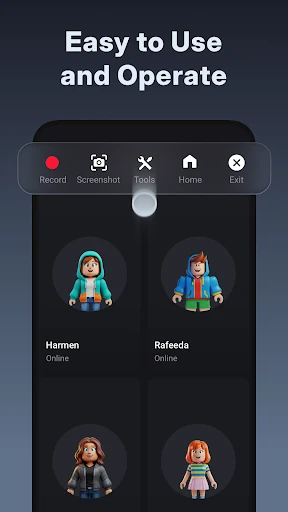
Click to download now, finish the installation quickly, and directly unlock the all-round experience
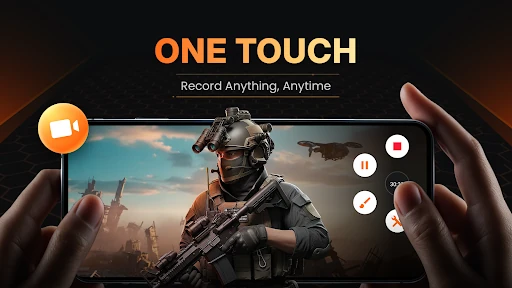
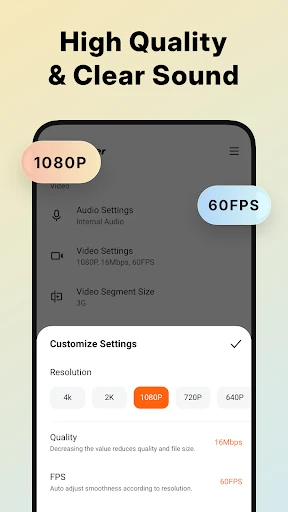
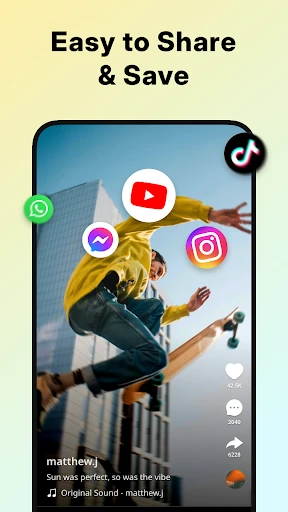
Screen Recorder - XRecorder captures on-screen activity as video, making it useful for recording mobile gameplay, creating tutorials, or saving a walkthrough to share later. It is aimed at people who want to record and make basic adjustments to clips on their phone, rather than move every recording to a separate editing app.
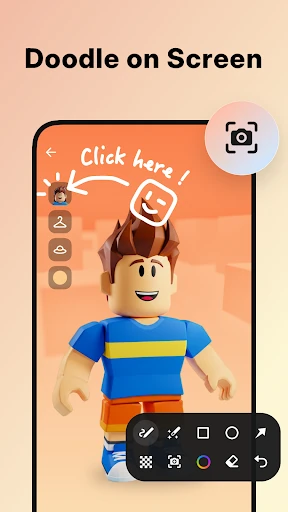
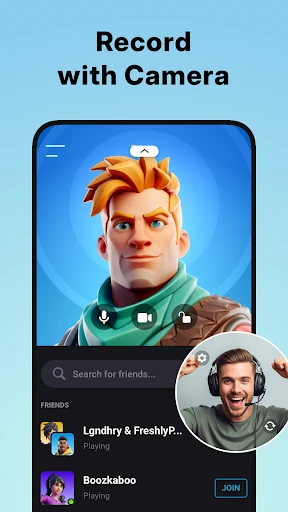
The app includes options for capturing device audio and adding a facecam overlay, so a recording can show both what is happening on screen and the person explaining or reacting to it. Drawing tools let you mark or highlight parts of the screen during a recording, which can help when demonstrating steps or pointing out details. XRecorder also supports live streaming, including through RTMP.
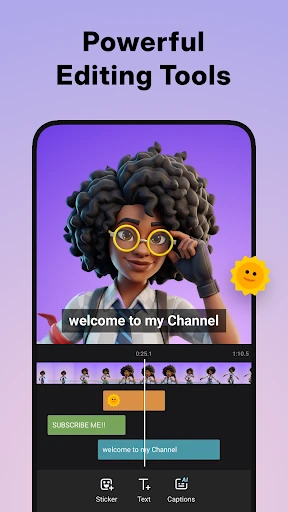
After recording, users can make edits within the app, including trimming footage, changing playback speed and adding music. These tools suit straightforward clean-up and presentation tasks; they keep recording and simple post-production together in one place. The app is in the Video Players & Editors category and is developed by InShot Inc.
XRecorder has more than 100 million installs and a Google Play rating of about 4.7 from over 7.5 million ratings. Those figures indicate broad use, but they do not guarantee that every tool or setting will suit a particular device or recording task. App descriptions, ratings and available features can change as the developer updates the listing. Check the live Google Play page for the current details before deciding whether it fits your needs.