Record what’s on your screen
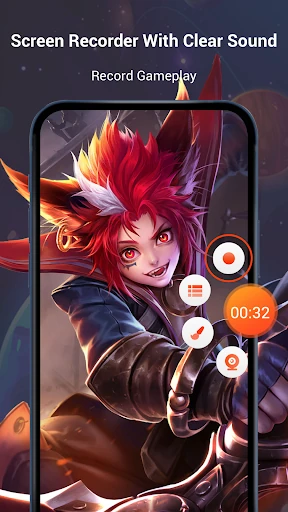
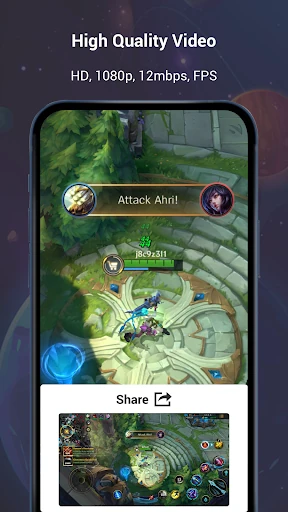
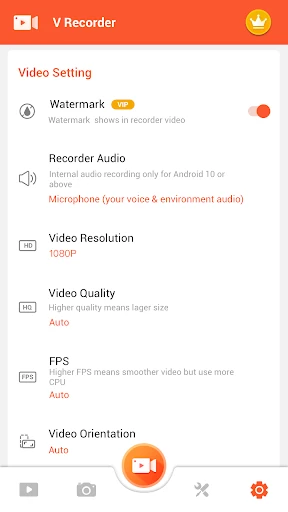
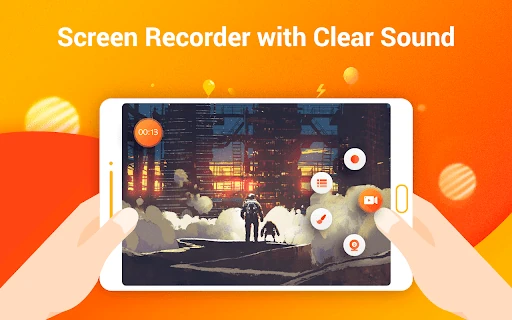
Screen Recorder Video Recorder captures activity on an Android screen, making it useful for recording gameplay, demonstrations, tutorials or other on-screen moments. It also includes video-editing tools, so users can trim and adjust recordings without switching immediately to a separate editor.
Capture and edit in one app
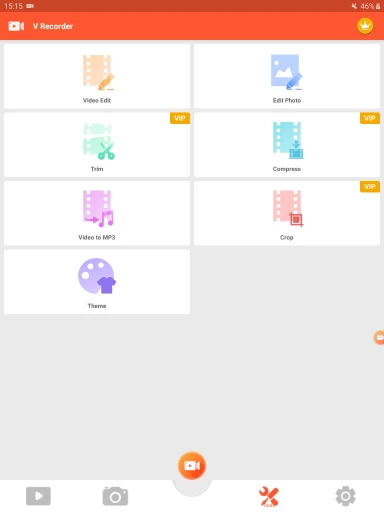
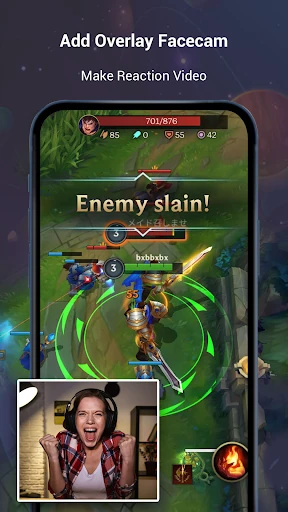
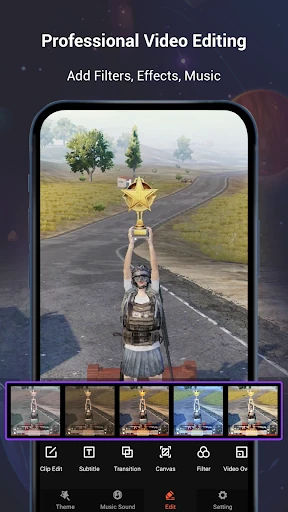
The app offers screen recording with audio, along with options such as face-camera recording for reactions. Its editor includes tools for adjusting playback speed and working with music. These features suit people who want to turn a screen capture into a more finished video, as well as users who simply need to save what happened on their device.
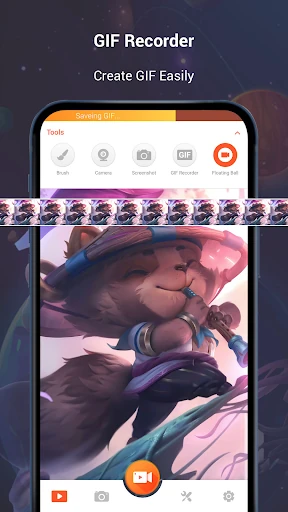
There are also tools for working with images and screen content, including text extraction and an AI assistant. The range may appeal to creators and everyday users alike, though anyone looking for a basic recorder may not need every editing option.
Popularity and publisher
Published by VIDEOSHOW Video Editor & Maker & AI Chat Generator, Screen Recorder Video Recorder is listed in Video Players & Editors. It has a 4.43 rating from about 1.67 million reviews and more than 100 million installs. Those figures indicate broad use, but individual experiences and preferences can differ.
Check the current listing
Recording and editing apps can change as their developers release updates. Ratings, descriptions and available features may also be revised over time. For the latest details about Screen Recorder Video Recorder, consult its live Google Play listing.