PhotoWear Watch Face
Squeaky Dog Studios
Downloads
50,000+
Source
Google Play
Advertisement
Click to download now, finish the installation quickly, and directly unlock the all-round experience
Advertisement
Screenshots

Click to download now, finish the installation quickly, and directly unlock the all-round experience
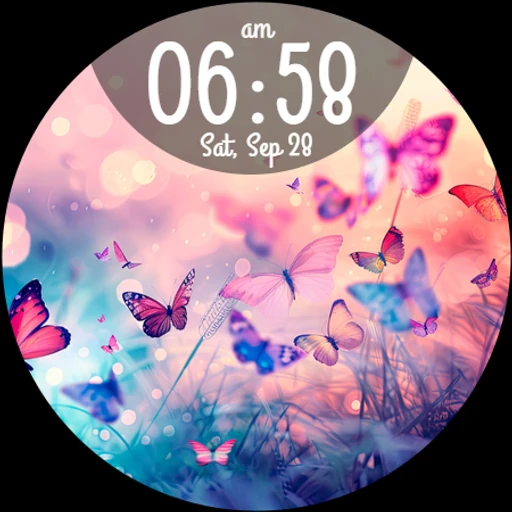
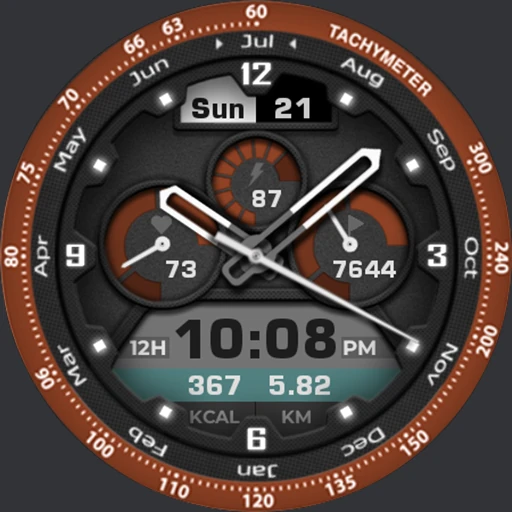
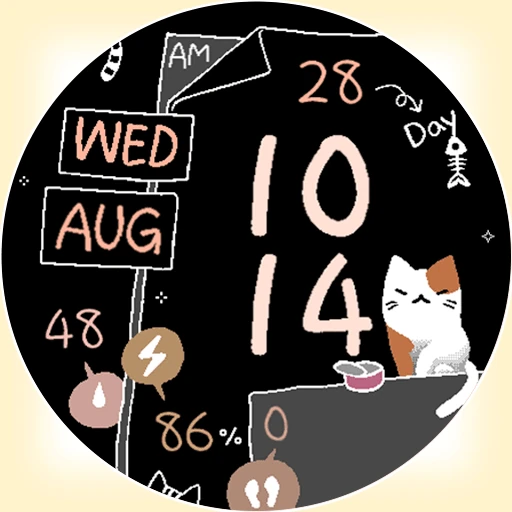
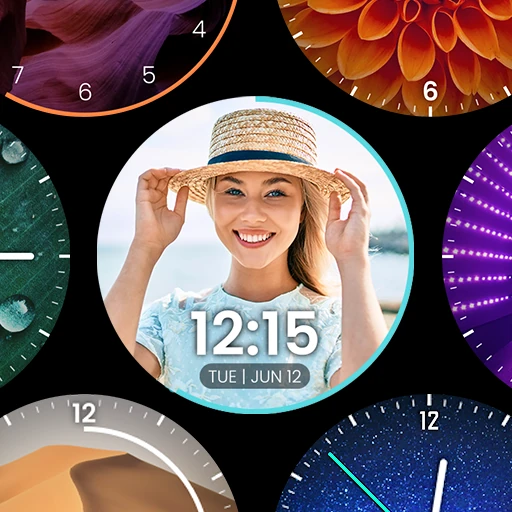
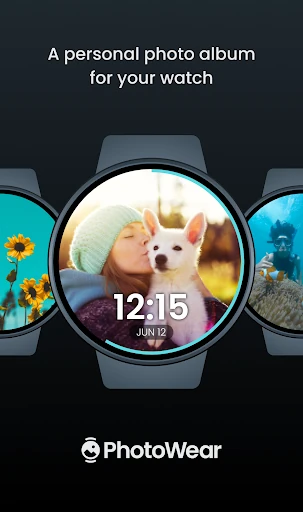
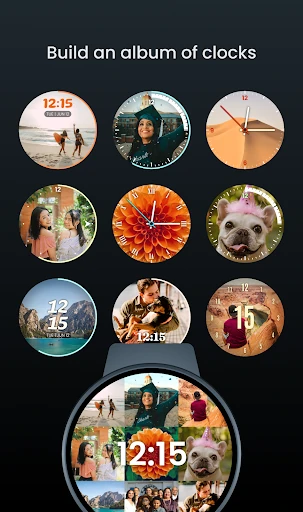
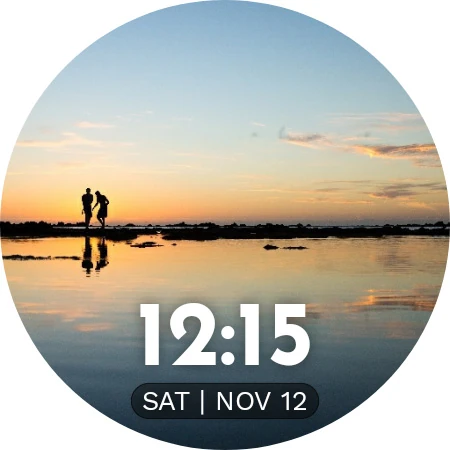
PhotoWear Watch Face lets Wear OS users put personal photos on their watch display, making it a fit for anyone who would rather see familiar pictures than a standard dial. The app pairs a phone-based setup experience with a photo watch face, so you can choose images and adjust how the time appears on them.
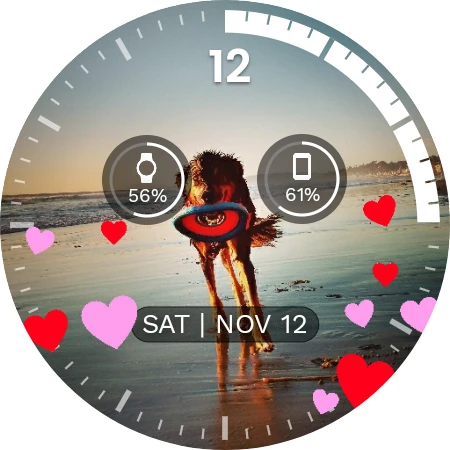
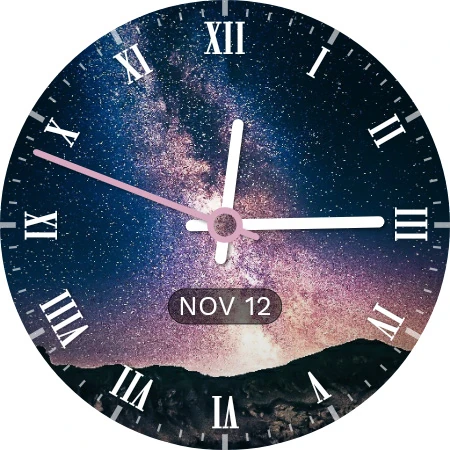
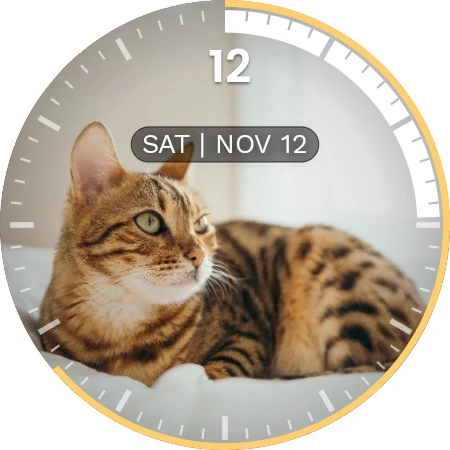
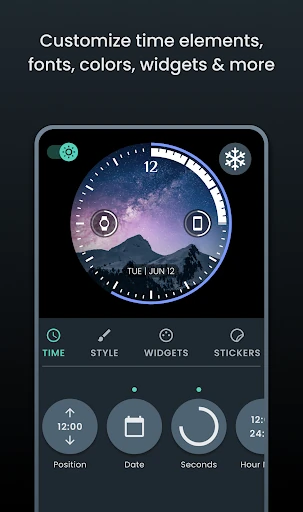
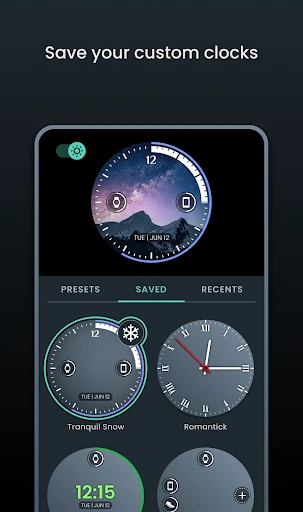
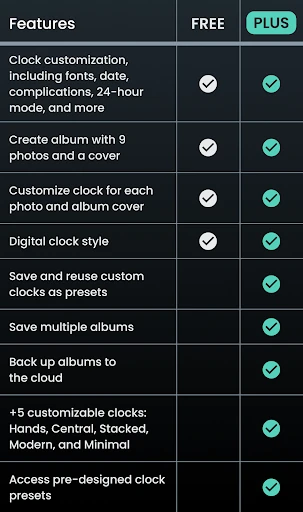
You can use a selection of up to nine photos and cycle through them on the watch. Clock styling can be set for individual images, which helps keep the time readable without covering an important part of a picture. The face also supports complications—small watch-display elements that show additional information—with options for positioning them.
PhotoWear is focused on appearance rather than presenting itself as a fitness dashboard. Its main appeal is straightforward: use photos you care about as part of your everyday watch display, while retaining a clock and configurable information on screen.
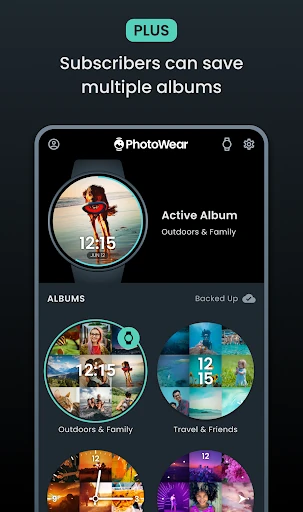
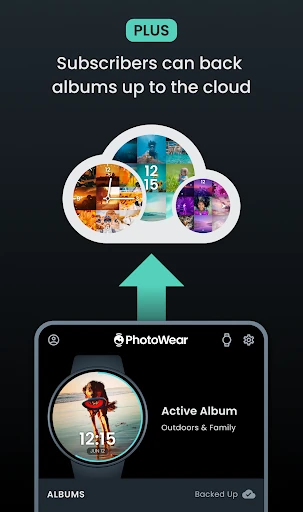
The reference information describes some expanded capabilities, including multiple albums and cloud backup, as part of PhotoWear Plus. Check the current Google Play listing for the latest feature details and any conditions attached to them; app features and terms can change between updates.
Published by Squeaky Dog Studios, PhotoWear Watch Face is listed in Personalization. It has a 4.21 rating from 573 reviews and 50,000+ installs. Ratings and listing details can change over time, so consult the live store record for the current information.