Smart TV Cast: Screen Share
Technoline Apps
Downloads
5,000,000+
Source
Google Play
Advertisement
Click to download now, finish the installation quickly, and directly unlock the all-round experience
Advertisement
Screenshots
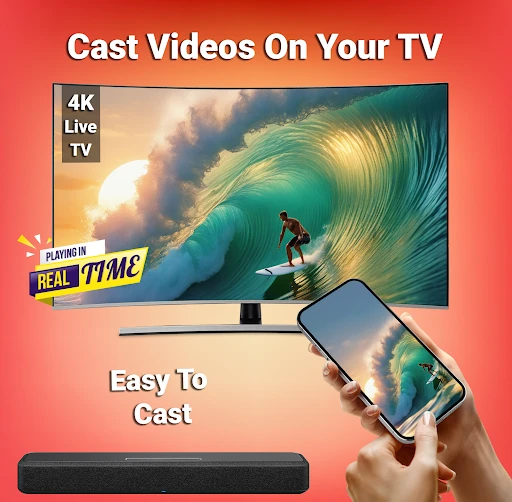
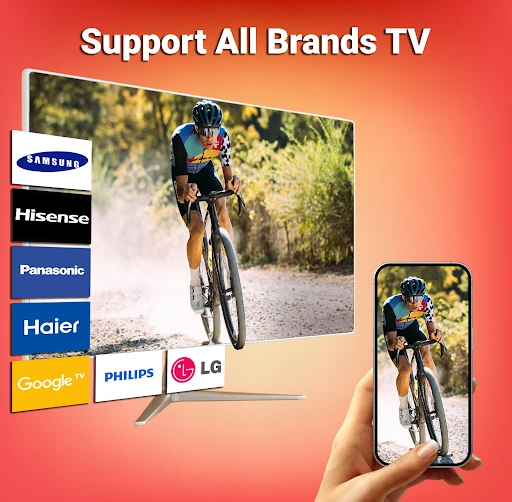
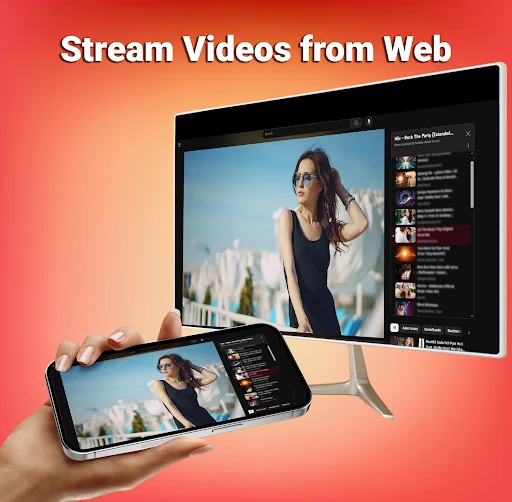
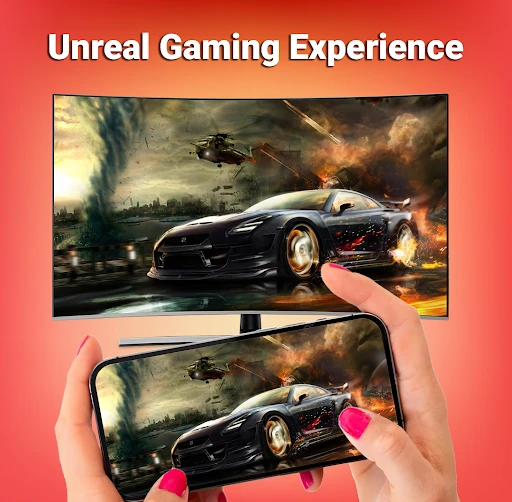
Click to download now, finish the installation quickly, and directly unlock the all-round experience
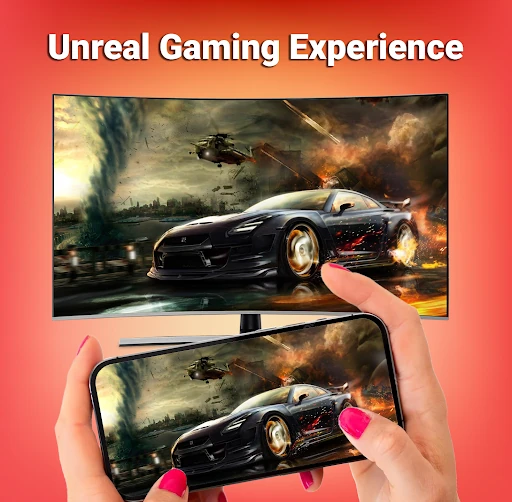
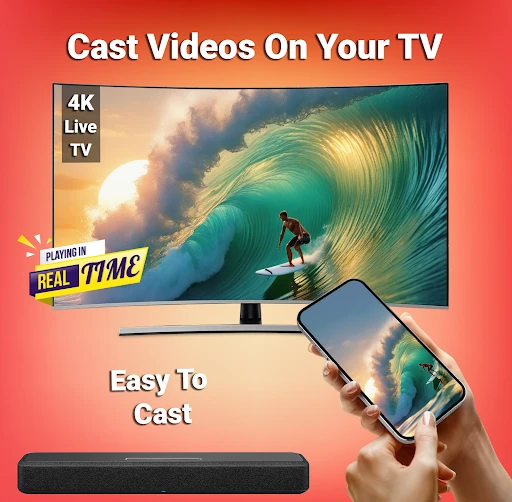
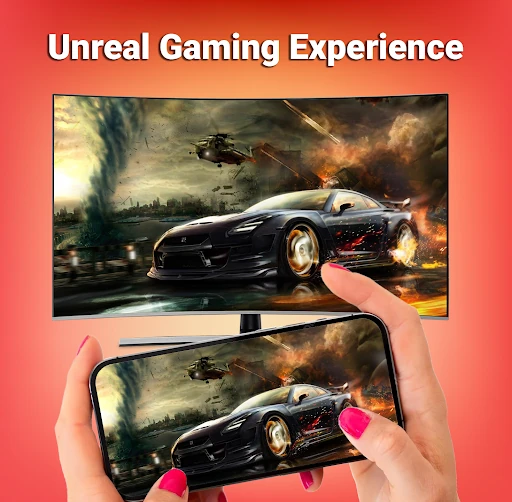
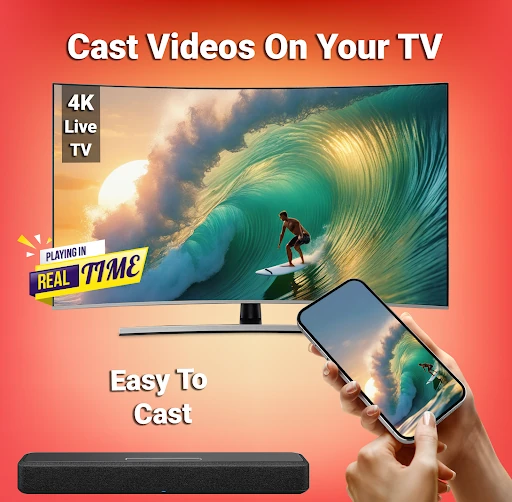
Smart TV Cast: Screen Share is a Tools app for Android users who want to show phone content on a larger display. It can cast photos, videos and music, and mirror the screen for activities such as viewing mobile games. That makes it useful for sharing media with a group or presenting content from a phone.
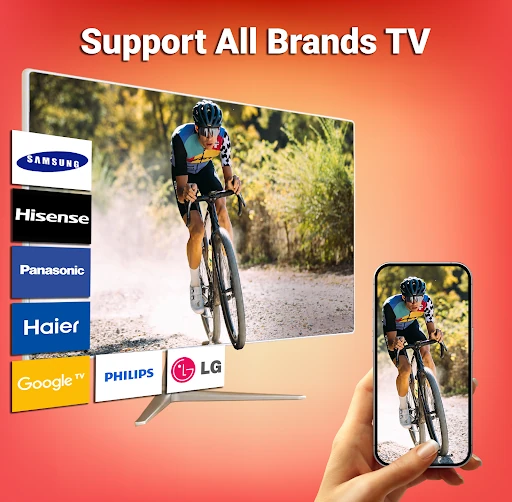
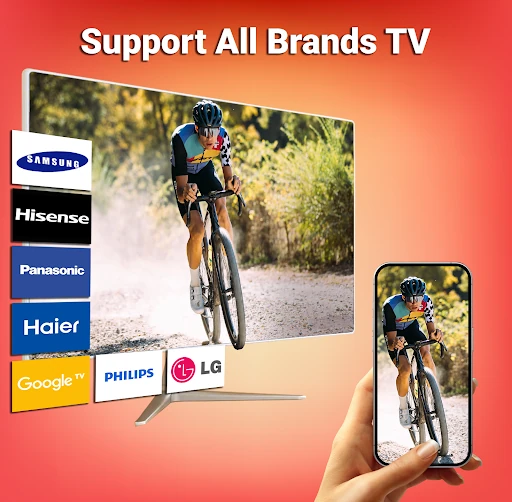
The app supports casting options including Miracast and Chromecast, and lists compatibility with devices such as Roku and Fire TV. The available connection method depends on the phone and TV or streaming device, so check that your hardware supports the same casting option. Wireless casting also relies on a suitable network and may be affected by connection quality.
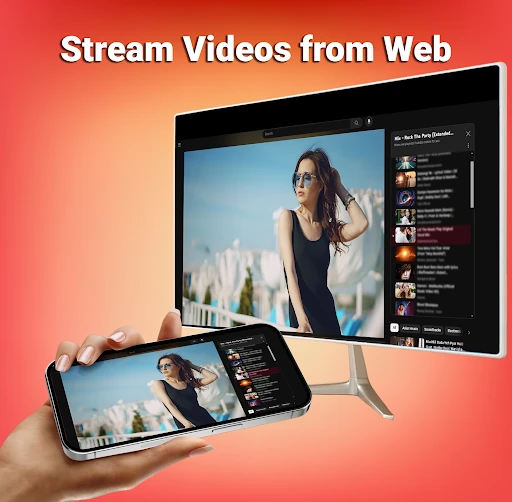
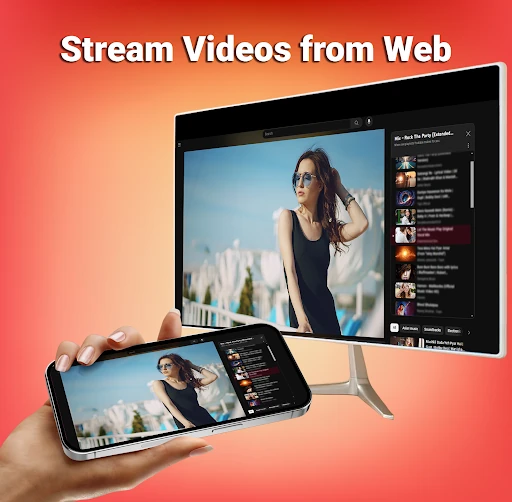
Smart TV Cast: Screen Share is intended to bring phone content onto a TV without requiring users to handle each item on the smaller screen. In addition to media, the app’s stated capabilities include sharing documents and browsing the web on a larger display. These uses may suit casual viewing as well as situations where several people need to see information at once.
Before relying on a particular feature, confirm that it works with your devices and connection setup. Compatibility and app details can change as the developer updates the release.
Developed by Technoline Apps, the app is listed in the Tools category. It has a 4.42 rating from 95,195 reviews and more than 5 million installs. Ratings, review totals, supported devices and other listing information may change over time; the live Google Play listing has the latest published details.