Epson Smart Panel
Seiko Epson Corporation
Downloads
10,000,000+
Source
Google Play
Advertisement
Click to download now, finish the installation quickly, and directly unlock the all-round experience
Advertisement
Screenshots
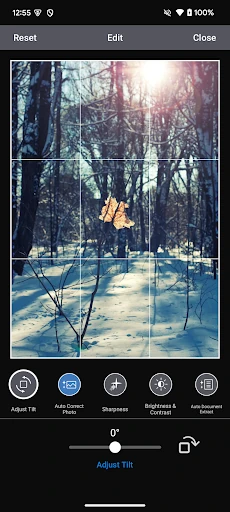
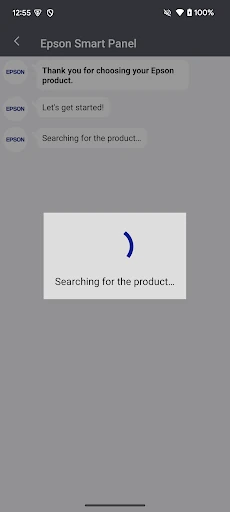
Click to download now, finish the installation quickly, and directly unlock the all-round experience
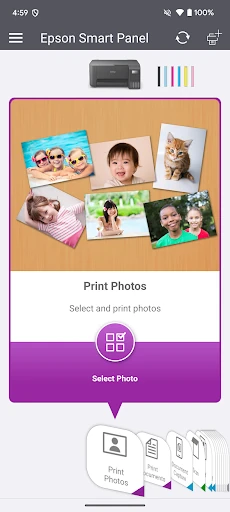
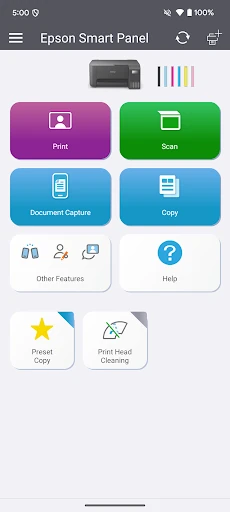
Epson Smart Panel is a companion app for people who use compatible Epson printers or scanners. It brings common device tasks into one mobile interface, including setting up a printer, printing documents and photos, and scanning. The app is intended for Epson hardware rather than as a general-purpose tool for printers from other manufacturers.
For a supported device, the app can guide you through connecting it and then show controls suited to that model. Available options depend on the connected printer or scanner. You can use the app for routine print and scan jobs, and access device-related tools such as maintenance, troubleshooting and product support. Supply and device information may also be available for supported models.
This makes Smart Panel useful at home or in a small office when you want to manage Epson equipment from an Android phone instead of using a computer for every task. Before relying on a particular function, check that your model is supported and that it offers that capability.
Seiko Epson Corporation publishes Epson Smart Panel in the Tools category. The listing reports a 4.57-star rating from about 407,000 reviews and more than 10 million installs. These figures offer a snapshot of user reception, but they do not guarantee that the app will work with every Epson device or network setup.
Printer support, available functions and app details can change as Epson updates its products and software. Confirm the current requirements for your device on the live Google Play listing before choosing the app. The package name is com.epson.epsonsmart.