Advertisement
Click to download now, finish the installation quickly, and directly unlock the all-round experience
Advertisement
Screenshots






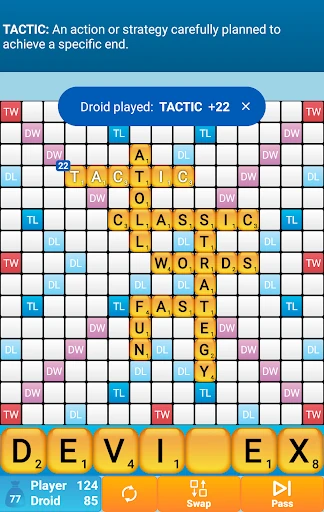
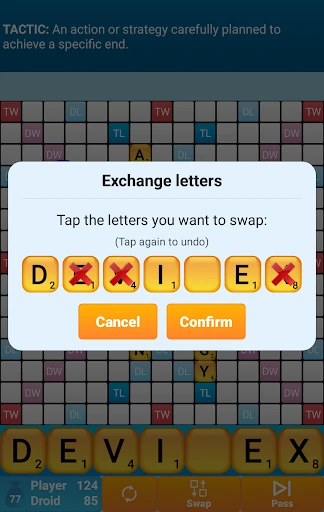
Click to download now, finish the installation quickly, and directly unlock the all-round experience
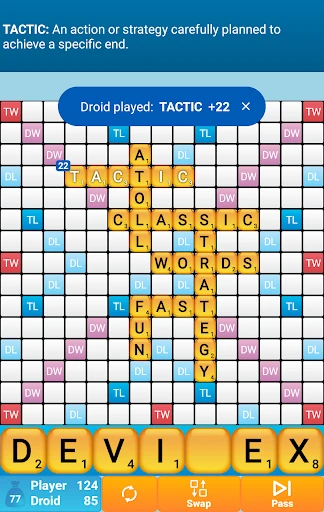
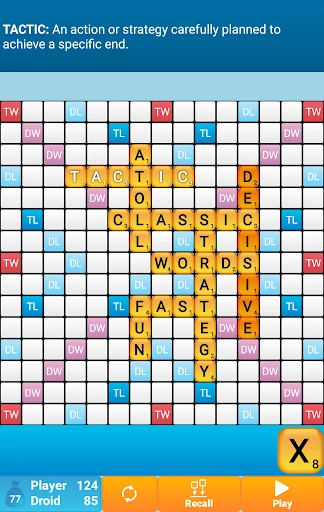
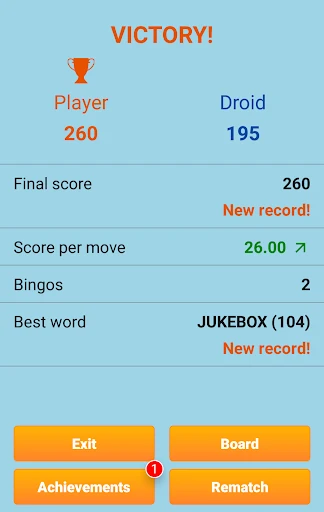
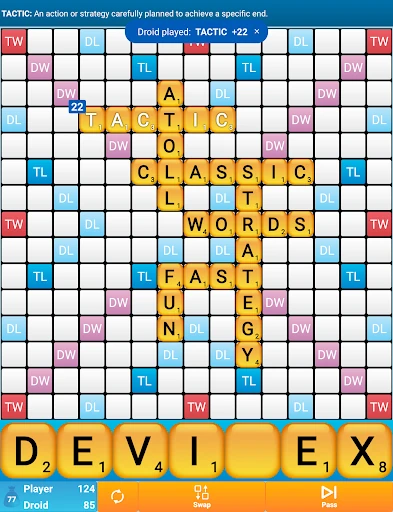
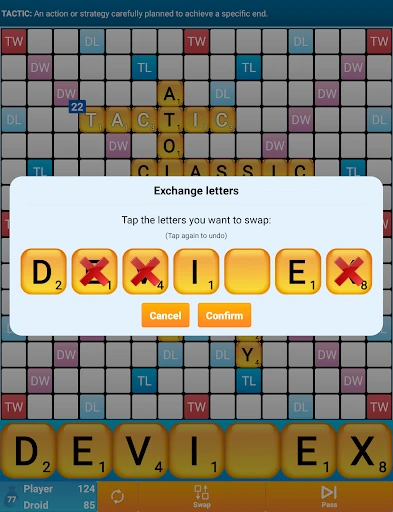
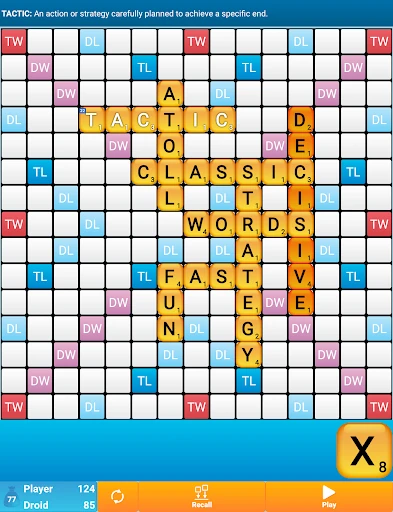
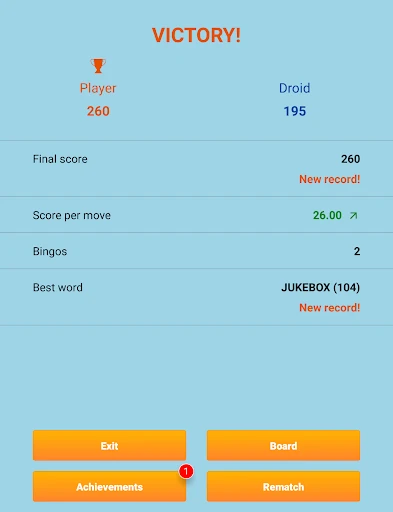
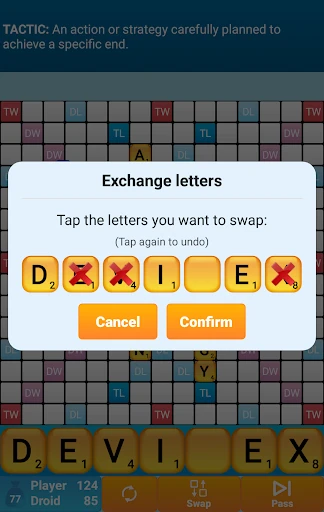
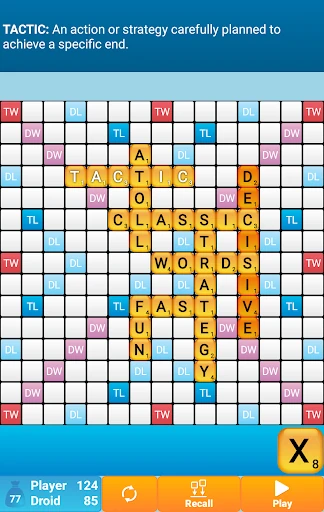
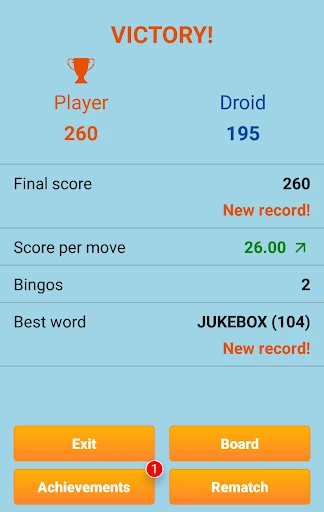
Classic Words Solo is a turn-based word game for players who want to build words on a board without arranging an online match. You play against the computer, placing letters to score points and make use of the board’s scoring spaces. It suits casual players looking for a solo game, as well as word-game fans who want to practise vocabulary and strategy at their own pace.
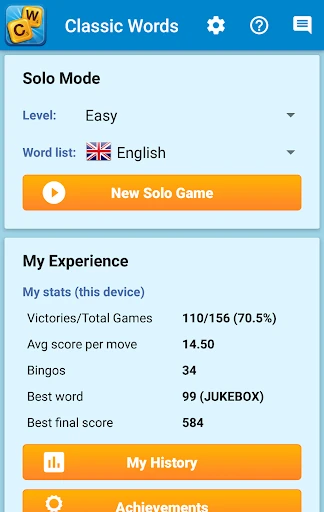
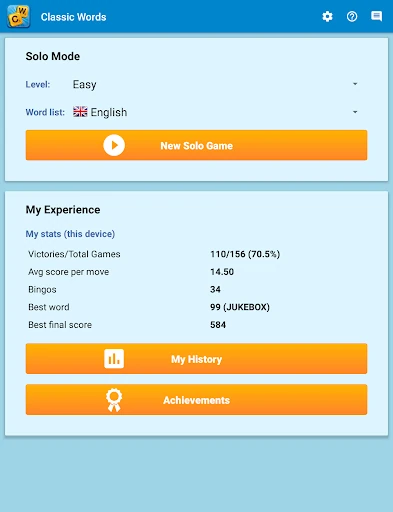
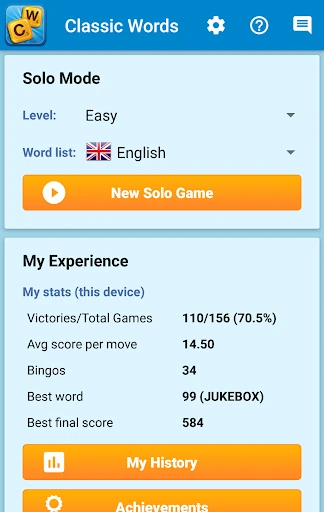
The computer opponent offers six difficulty levels, so you can start with a gentler game or choose a tougher one as your skills develop. When you come across an unfamiliar word, the built-in dictionary can show its definition. The game supports several languages, with letter distributions and scoring adapted to each one. It can also be played offline, which makes it a practical choice when you do not have an internet connection.
There are no other players to wait for: you take turns against the computer and can concentrate on choosing letters, managing your rack and finding good places on the board. The pace is set by you, whether you want a quick match or time to think through each move. The word lists and dictionary add a learning element, though the main activity remains the familiar challenge of making high-scoring words.
Classic Words Solo is published by Lulo Apps in the Word category. Its Google Play listing shows a 4.54 rating from about 209,500 reviews and more than 10 million installs. Ratings, review totals and app details can change as the developer updates the listing, so check the live Google Play page for current information.