Advertisement
Click to download now, finish the installation quickly, and directly unlock the all-round experience
Advertisement
Screenshots
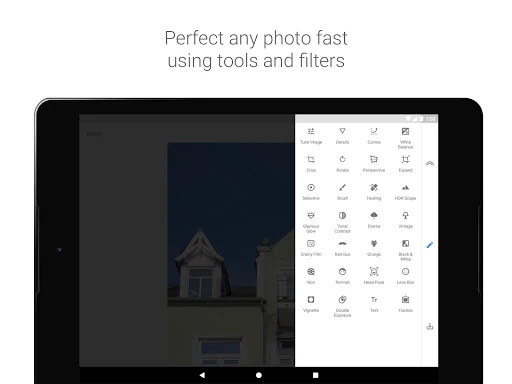
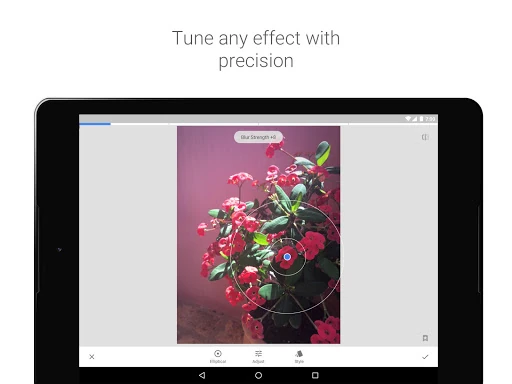
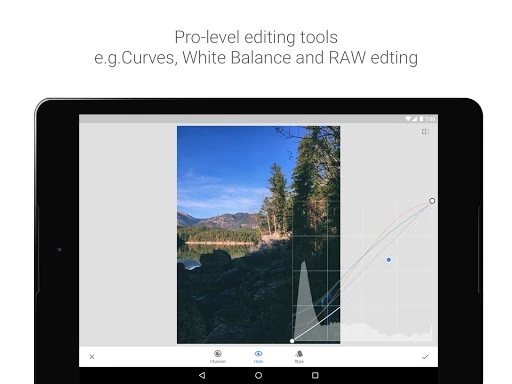
Click to download now, finish the installation quickly, and directly unlock the all-round experience
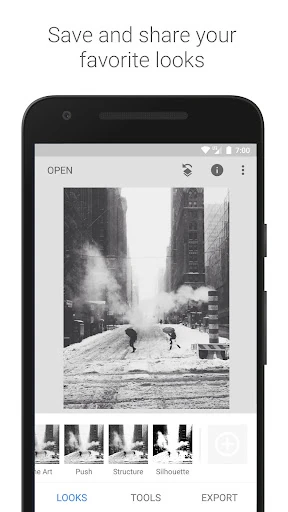
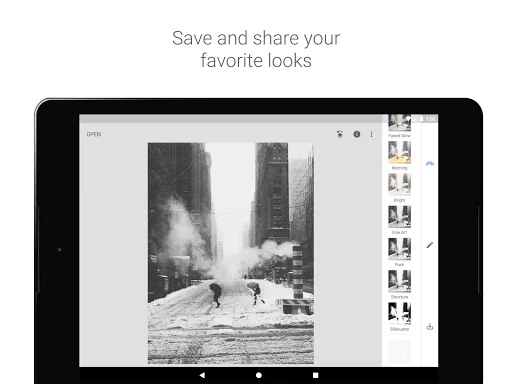
Snapseed is a photo editor for people who want more control than a filter alone provides. It offers tools for adjusting images and retouching particular areas, making it useful for quick improvements as well as more considered edits. It suits casual photographers and mobile creators who want to work directly on photos without moving to a desktop editing suite.
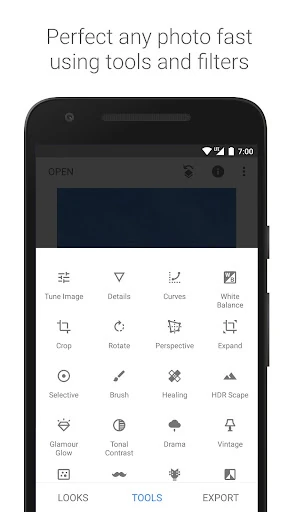
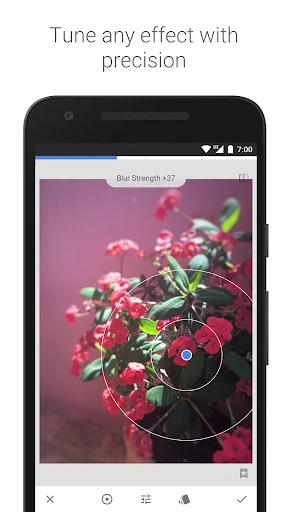
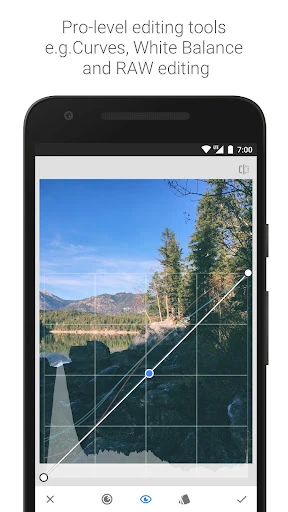
The toolset includes adjustments for exposure and white balance, along with Curves for shaping image tones. Selective controls let you target parts of a photo rather than applying every change across the whole image. A Healing tool can remove distracting details, while Perspective tools help correct distortion in architectural shots. Snapseed also supports RAW development for DNG files.
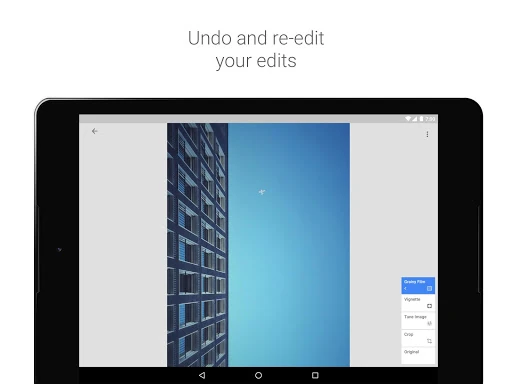
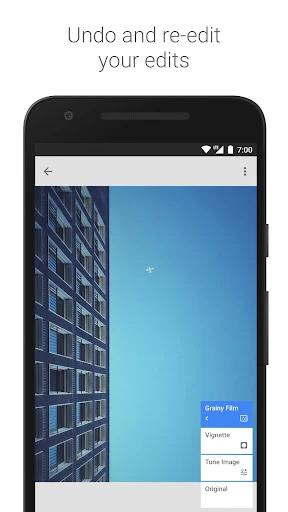
Edits are kept in a stack that can be revisited, so you can change or remove individual adjustments later. That is helpful when experimenting with several treatments or refining an edit after seeing how the changes work together.
Snapseed puts the photo at the center of its editing workspace. Controls use swipe gestures: move vertically to choose a parameter and horizontally to change its strength. This takes some getting used to, but keeps adjustments close to the image and can make repeated edits feel direct.
Snapseed is published by Google LLC in the Photography category. Its Google Play listing shows a rating of about 3.96 from more than 1.7 million reviews, with 100,000,000+ installs. Ratings and app details can change as the developer updates the listing, so check Google Play for the current record.